Lenticular flip
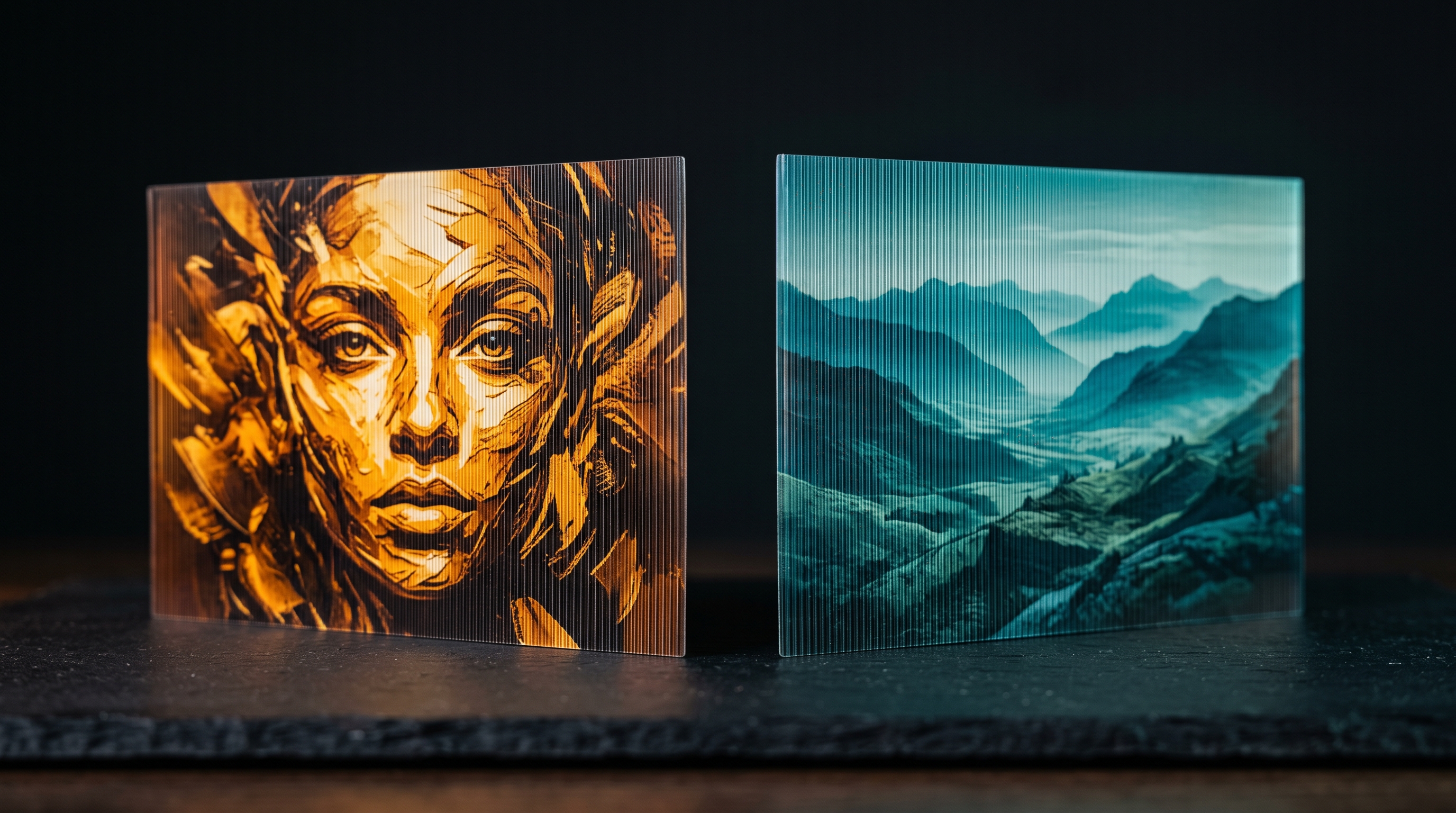
One print. Two images. By angle.
Two — or four — images on a single sheet. Tilt it, and the picture changes. Available on machines with native integration; on the Durst P5 today.
From AI selection to printer-ready export — every step lives in one place. No CAD, no meshes, no round-trips between tools.
Split artwork into unlimited regions — AI or hand-drawn, add/subtract/refine — each with its own effect.
Click an object and get a clean cut-out instantly. No manual tracing.
Sculpted, variable-height texture — your printer's RIP builds the layers, you shape it.
Two to four images on one surface — the picture changes as the viewer moves. On natively integrated machines.
Spot varnish that follows the art — matte to high-gloss — as a named channel your RIP understands.
Drop in realistic surfaces — wood grain, fabric weave, stone, leather — as printable relief.
Photograph a real surface — bark, weave, stone, leather — and the studio turns it into print-ready relief in seconds. No hunting for height maps.
Dome, cylinder and pebble shaping for natural, rounded relief instead of flat plateaus.
Embedded professional profiles keep colour true from screen to RIP.
Split a job into layers and print them on top of each other, up to 2 cm. In the Multi-Pass plans.
Ink volume per channel and the cost of the job, before a single drop is laid. In the Multi-Pass plans.
Two calibration prints and a few measurements — after that the heights on screen are true for that machine. In the Multi-Pass plans.
Rotate the relief, inspect each channel and height map in real time.
Add borders and trim bleed that extend the design outward — height and varnish included.
Separate matte and gloss passes into pixel-aligned datasets when effects would collide.
Correct polarity, named spot channels, bit depth and encoding — per machine, ready to RIP.
Save the whole job — image, regions, effects, calibration — and reopen it exactly as you left it.
Two — or four — images on a single sheet. Tilt it, and the picture changes. Available on machines with native integration; on the Durst P5 today.
Try free online, then subscribe to unlock the desktop studio for your machine.